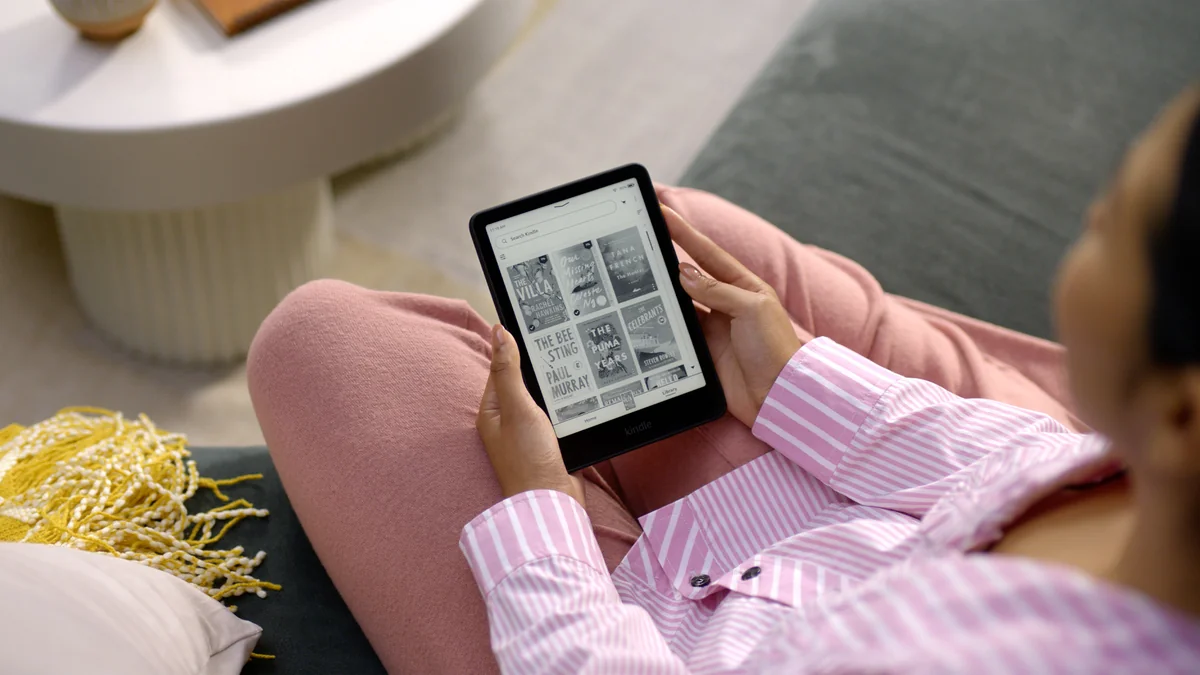
The best waterproof e-readers make a small spill less costly. A good one should also be a joy to read each day. The water rating is only the start of the choice. Waterproof ereaders are useful by a pool, at the beach, or next to a drink at home.
I would decide where your books will come from first. Then choose a screen size, check whether you want page-turn buttons, and set a price limit. A waterproof ereader that cannot open the books you want is a poor buy, however good its screen looks.
My first pick is the Kobo Clara BW for a reader starting fresh. If most of your books are already in Amazon's store, the Kindle Paperwhite is the more natural choice. The two color Kobos below serve different needs, so I would not pay more for color unless you will use it.
Four waterproof e-readers, four clear uses
| E-reader | Why I would choose it |
|---|---|
| Kobo Clara BW | A small 6-inch black-and-white reader for novels. Listed at $159.99. |
| Kindle Paperwhite | A 7-inch screen and a simple home for an existing Kindle library. Listed from $159.99. |
| Kobo Libra Colour | A 7-inch color screen and page-turn buttons. Listed at $259.99. |
| Kobo Clara Colour | Color covers and highlights in a smaller 6-inch body. Listed at $179.99. |
US list prices were checked September 25, 2026. Sales, taxes, and the exact bundle can change the total. Each of these waterproof e-readers has an IPX8 water-resistance rating.
1. Kobo Clara BW: my pick for most novel readers
The Kobo Clara BW keeps the choice simple. You get a 6-inch E Ink Carta 1300 screen, 16GB of storage, a warm front light, and waterproofing. The screen shows black-and-white text rather than color.
That is the mix I would choose for novels. The compact design is easy to carry in a bag. The warm light lets you change the tone of the page at night. You are not paying for a color feature that adds little to plain text.
The Clara BW also works with supported library lending through the built-in Libby service. You need a valid library card, a supported library, and a title that works with the service. Check that match before you buy.
The main tradeoff is size. A 6-inch screen shows less text at a large font setting than a 7-inch screen. It also lacks physical page-turn buttons. If you want those buttons, look at the Libra Colour.
Buy it for: a compact reader for prose and a choice of supported ebook sources. Pass if: a larger page or hardware buttons are high on your list.
2. Amazon Kindle Paperwhite: best for an existing Kindle library
The 12th-generation Amazon Kindle Paperwhite has a 7-inch black-and-white screen, 16GB of storage, and an adjustable warm light. It is the one I would choose if a Kindle library already holds the books I care about.
The extra inch can matter more than it sounds. If you use a larger font, a larger page means more text before the next turn. The Paperwhite still uses touch controls rather than page-turn buttons.
In the US, you can send some library ebooks from Libby to a Kindle through Amazon. That support depends on the library and the title. It does not mean every ebook in a library's collection has a Kindle edition.
I would check the exact listing before paying. The ad-supported and ad-free choices can have different prices. A low starting price may not match the version you want.
I would choose the Paperwhite for its store and the books I own. I would not choose it on a claim that its screen beats all the rest. Check several books you already own before moving to a different brand. A store may lock its books to its own readers and apps.
Buy it for: Kindle books and a larger text page. Pass if: you want color or real buttons.
3. Kobo Libra Colour: best for buttons and color notes
The Kobo Libra Colour adds a 7-inch color E Ink screen, 32GB of storage, and two page-turn buttons. Its wider side gives your hand a place to rest away from the page.
I would pay for this model if physical page-turn buttons are part of what makes reading feel easy. You can turn a page without reaching across the screen. The color display also makes different highlight colors easier to tell apart.
The Libra Colour works with the Kobo Stylus 2, which is sold on its own. You can use it to write notes by hand. Budget for the stylus if that is why you want this device. The $259.99 reader price does not include that pen.
Color E Ink looks soft and muted. Do not expect the bright, glossy look of a phone or tablet. The Libra's black-and-white content is 300 pixels per inch; color content is 150. It can make an illustrated page more useful, but a small color screen is still a small screen.
If most of your reading is plain text, the Clara BW costs less and takes less space. If you want the buttons and a larger page, the Libra Colour has a much clearer reason to be on your list.
Buy it for: page-turn buttons, color highlights, and optional pen notes. Pass if: you want the smallest, simplest reader for novels.
4. Kobo Clara Colour: best for color in a small body
The Kobo Clara Colour gives you a 6-inch color E Ink screen, 16GB of storage, and a warm front light. At the checked list prices, it costs $20 more than the Clara BW.
I would consider that extra cost if color covers and highlights make reading more pleasant for you. It is the smaller, lower-cost color choice in this group.
There are two limits worth keeping clear. The Clara Colour has no page-turn buttons. It also does not offer the Libra Colour's pen support. Do not buy it expecting a small digital notebook.
Its 6-inch screen may also feel tight for dense comics, graphic novels, magazines, or full-page PDFs. You can read more than novels on it, but that does not mean every page will be easy to read at that size.
For plain prose, I would still choose the Clara BW. For a mix of prose and light color content in a small reader, the Clara Colour earns its place.
Buy it for: color without the Libra's size or price. Pass if: you want pen notes, buttons, or room for large illustrated pages.
What “waterproof” means for these e-readers
IPX8 is a test rating with conditions set for the device. It is not a promise that water cannot harm it. Check the exact model's depth and time limits. The letters IP refer to protection against things getting inside the device. The X means this rating gives no dust-protection grade. The final number concerns water. It does not grade how well the screen handles drops.
For these Kobo models, the stated limit is up to 60 minutes in up to two meters of water. Amazon lists the Paperwhite as tested for up to 60 minutes in two meters of fresh water. A test in fresh water is not the same as a hot bath, a pool, or the sea.
I would treat the water seal as a backup for a spill. I would not read underwater or leave an e-reader floating in a pool. Depth, heat, soap, salt, and wear can change the risk.
Kobo's waterproof e-reader care guide also warns that waterproof does not mean dustproof or sandproof. Dry the USB port before charging. Keep hands and the screen dry for normal touch use. If a Kobo gets wet, follow its rinse and drying instructions.
A case may help protect a screen from bumps. Do not assume that a normal case adds a water seal. At the beach, shade and a clean, dry place to set the reader matter too.
Library books: check the formats before the hardware
A good e-reader is part screen, part route to ebooks. The store, your local library, and the file types you use can matter more than a small spec change.
For US readers, OverDrive's e-reader guide explains the different library paths. Kindle uses eligible Kindle editions. Supported Kobo devices can borrow through the built-in lending service. Some other library files need a computer transfer.
Pick three ebooks you want to read. Look for them in the store and library you plan to use. Check the format, not just the title. A book can be in a library collection without being ready to send straight to your chosen device.
That is a real point of friction. A Clara BW owner in a Kobo reader discussion found that some borrowed titles did not appear on the device. Replies described different causes, including sync and title support. I would check the official help for the exact book before treating a missing loan as a hardware fault.
Kobo's current guidance says a title must also be sold in its store for the normal automatic library sync path. Library access is useful, but it is not a promise that every loan will arrive with one tap.
Choose a screen for the pages you read
For a novel, sharp text and a clear font size do most of the work. The Clara BW and Paperwhite keep the page in black and white. The two color Kobos add softer colors for covers, images, and highlights.
A larger screen does not force you to read smaller text. It can give you more lines at the size you already like. That is why I would compare a 6-inch and a 7-inch page before buying if you use a large font.
For a PDF made for a full sheet of paper, even seven inches can be cramped. Do not choose a waterproof ereader only from a photo of its home screen. Check the kind of page you will spend an hour reading.
Storage is less urgent for plain ebooks than for large image files or audio. All four readers here have at least 16GB. I would choose the right screen and book service before paying for more space.
Amazon rates the Kindle Paperwhite for up to 12 weeks on one charge. That test uses 30 minutes of reading per day, wireless off, and light level 13. More reading, a brighter light, or Bluetooth audio uses more power. Compare those test conditions before treating “weeks” as a promise about your own use.
A waterproof ereader for trips and quiet breaks
A small e-reader can hold books for a whole trip without the weight of a stack of paperbacks. Download a new book before you leave reliable Wi-Fi. Open it once to check that it works, and keep a charger in your bag.
For a bath or a break by the pool, water resistance adds a layer of protection. It does not change the need for dry hands and a firm grip. Page-turn buttons let you turn pages without a swipe, but they do not make every menu work on a wet screen.
Be careful with the word rugged in reviews. A water rating does not prove that a reader can survive a drop or a crushed bag. A screen can crack while the water seal is still sound. Protect the screen on a trip, and check the maker's care rules before you rinse a device.
Choose by the kind of break you want. The Clara BW is easy to pack. The Libra gives your hand a wide grip and real buttons. A clear page and a light device can be more useful on a trip than a feature you will never use.
Read waterproof e-reader reviews with the test in mind
If a brand says a device can withstand immersion, check the test. How deep was the water? How long did the test last? Was it fresh water? Fresh water is the standard to look for in the listed tests here. More depth or time does not follow from the word “waterproof.”
Look for that detail in reviews as well as product pages. Was there a clear test, or did it just survive one brief splash? A single accident tells you little about how every unit will behave.
Waterproof e-readers still need care. Keep the charging port protected from dirt. Turn off power and follow the maker's care steps after a spill. Do not plug in a wet device to see whether it survived.
The point of a water seal is peace of mind. It is not a reason to put a good book underwater. A device may withstand immersion yet fail to respond to touch while wet.
Audiobooks and apps: check what the device can play
These Kobo e-readers support Kobo Audiobooks over Bluetooth. The Paperwhite supports Audible audiobooks over Bluetooth. You need compatible headphones or a speaker to listen.
Do not assume that your library audiobooks will play on the same device. An ereader's ebook support and its audio support are different things. Check the exact source of your audiobooks before buying.
These tools are built to read books. They are not full app stores. Do not buy one expecting to install any third-party apps you use on your phone. The built-in book service may suit you well, but that is a different kind of choice.
For the beach, think beyond water
A matte E Ink page reflects light, much like paper. That makes it a good fit for bright sunlight. A front light helps when the room is dim. Still, keep your device within the maker's temperature limits. Do not leave it on a hot car seat while you swim.
At the beach, dust and sand are separate risks from fresh water. Keep the reader protected in a clean bag when you are not using it. At the pool, choose a dry spot away from splashes. Protection works best when you do not keep testing its limits.
For a quiet afternoon with a good book, comfort matters most. Check the grip, the text size, and how you turn pages. Those small details will shape more of your reading life than an impressive feature you rarely use.
Three checks I would make before paying
First, check the books. Confirm that the titles and library service you want work on the device. If you want a place to start, our best productivity books list gives five quite different reads.
Next, check the full price. Include a cover, any ad-free charge, and a pen only if you need one. A cheaper reader with the right features can be the better long-term choice.
Last, check the return terms. Reading comfort is personal. A clear return window gives you a way to judge font size, grip, and screen tone with your own books.
The waterproof e-reader I would choose
For a fresh start and mostly novels, I would buy the Kobo Clara BW. It keeps the size small and costs less than either color Kobo while covering the things I value: clear text, a warm light, and water resistance.
I would choose the Kindle Paperwhite for an existing Kindle library, the Kobo Libra Colour for buttons and notes, or the Kobo Clara Colour for a small color reader.
All four waterproof e-readers can make a spill less of a scare. The best one is the device that puts your ebooks within easy reach and feels good to use long after the feature list stops being interesting.